




Crit Dice
Real physics dice. No ads.
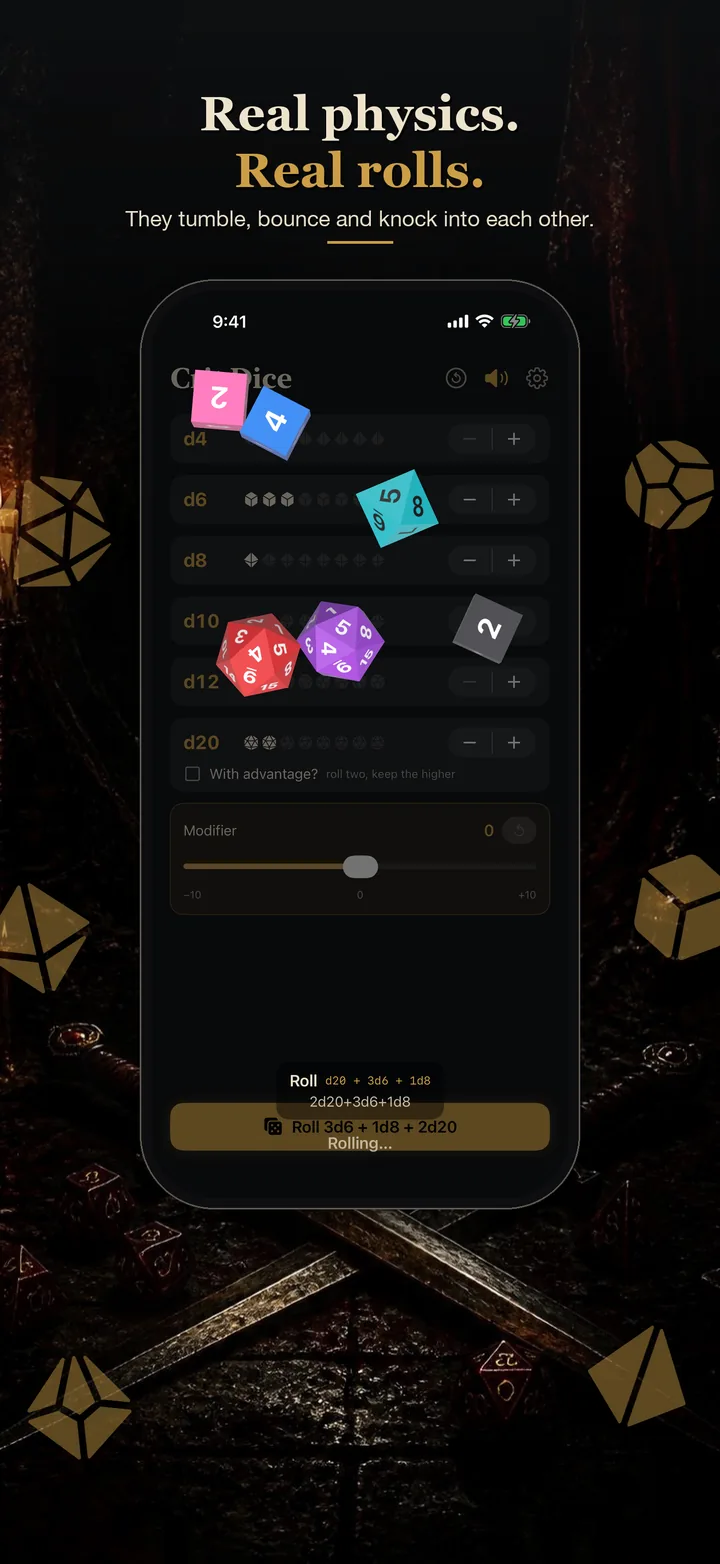
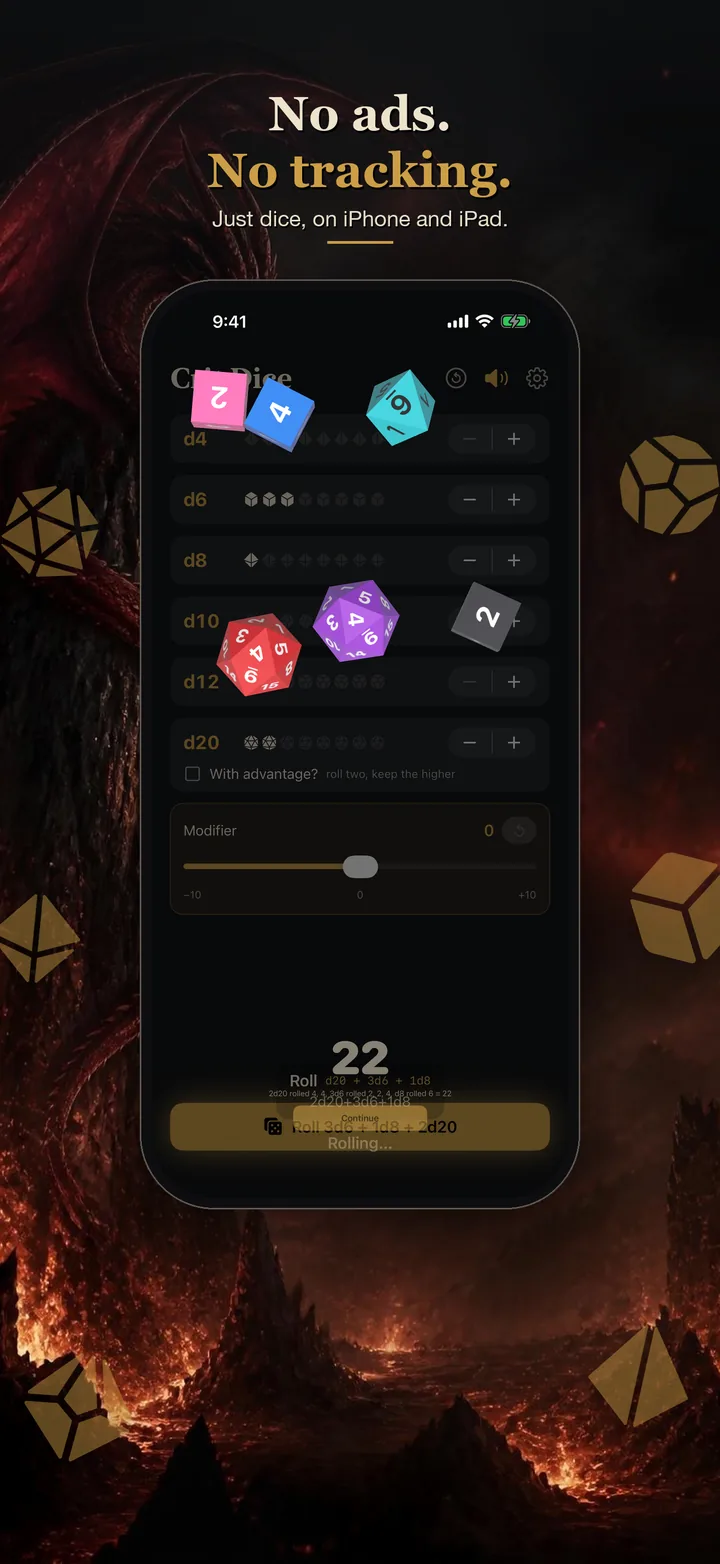
Each die is a 3D object that gets thrown, tumbles across your screen and bounces off the walls and the other dice. Whatever lands face up is the result.

Free for iPhone and iPad
Screenshots
Pick them, throw them, read them
Choose your dice, tap Roll, and watch them land. Tap a screenshot to see it full size.





Swipe for more.
How it works
Not a random number with an animation on top
Each die starts on a random face and gets a random throw. Nothing is decided until the dice stop.
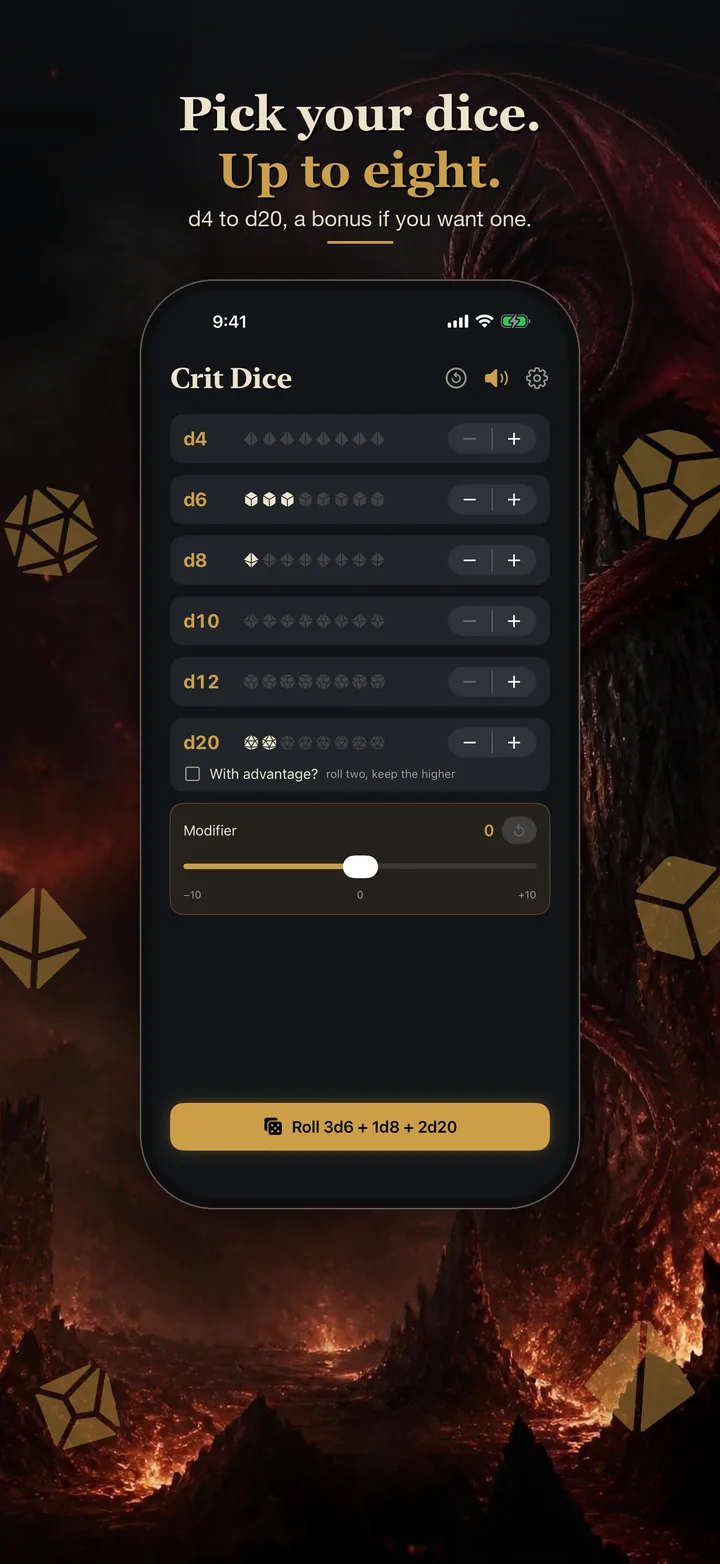
Up to eight dice
Any mix of d4, d6, d8, d10, d12 and d20 in one throw.
Modifier
A slider from −10 to +10, added to the total.
Advantage
Roll two d20s and keep the higher.
Cracked dice
A die that stops propped on another die is cracked. It's thrown again on its own, like at a real table. The others stay where they landed.
Your colors
Pick a dice color and a number color, or give every die its own.
Roll history
Your recent rolls, with every die's face listed.
Sound
A soft clatter as they roll, with a one-tap mute.
iPhone and iPad
Portrait or landscape. The edges of the screen are the dice tray.
Good for
D&D, Pathfinder and other tabletop RPGs, board games short on dice, solo play, and settling who goes first.
Safari extension
Roll into Roll20
Crit Dice comes with a Safari extension for people who play on Roll20. Turn it on once and every Roll20 game you open in Safari on your iPad or iPhone gets a dice button on the table.
Tap it, or type /roll 1d20+5 in the game chat, and the physics dice roll right on the page. The result goes to the chat with every die face shown, so the whole table sees what you rolled. Rolls the extension can't do (d100, macros, more than eight dice) go through Roll20's own roller as usual.
Turn it on
- Open Settings › Apps › Safari › Extensions and turn on Crit Dice for Roll20.
- Open your Roll20 game in Safari, tap the extensions icon in the address bar, and allow Crit Dice for app.roll20.net.
- Tap the dice button at the bottom right of the table, or type
/rollin chat.
Crit Dice for Roll20 is an independent, fan-made extension. It is not affiliated with, endorsed by or supported by Roll20. Roll20 is a trademark of its owner.
Nothing attached
Free, and it stays free
- No adsNothing between you and the roll.
- No purchasesNo in-app purchases or subscriptions.
- No accountNo sign-in, nothing to set up.
- No trackingNo analytics. Nothing leaves your device. Privacy policy
Get Crit Dice
Free on the App Store for iPhone and iPad.